Make Your own Newspaper with our free Canva Designs
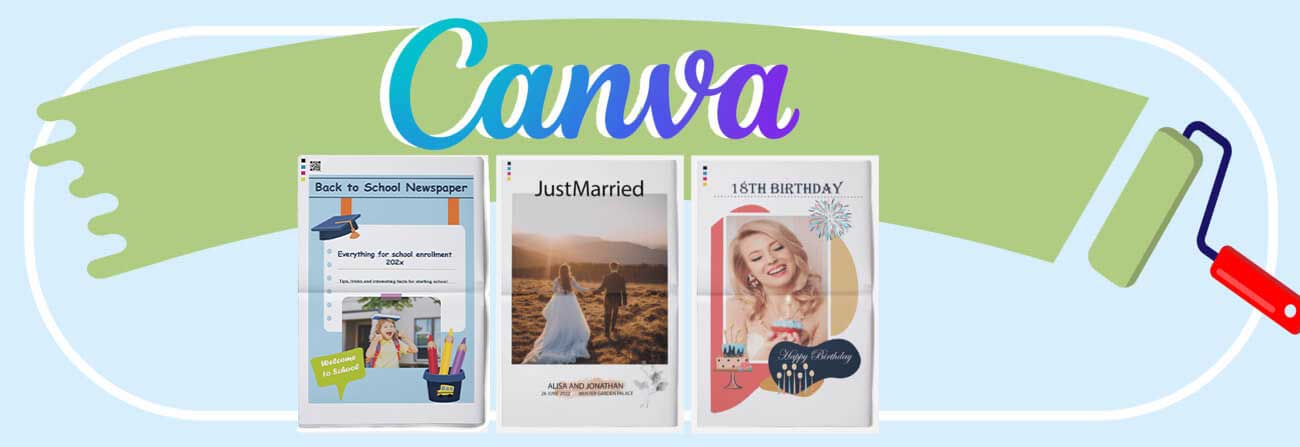
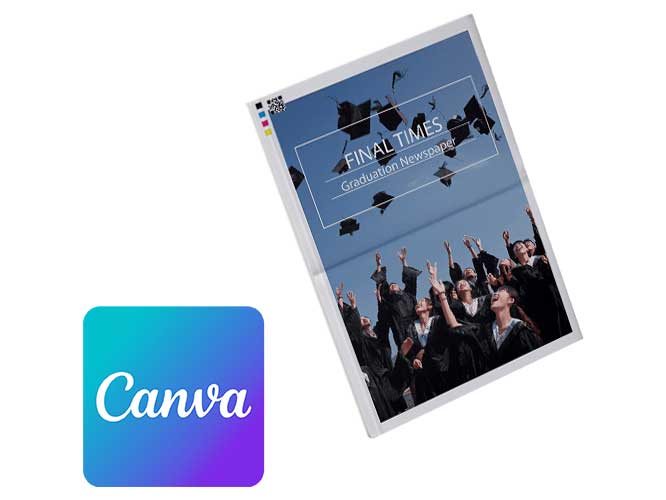
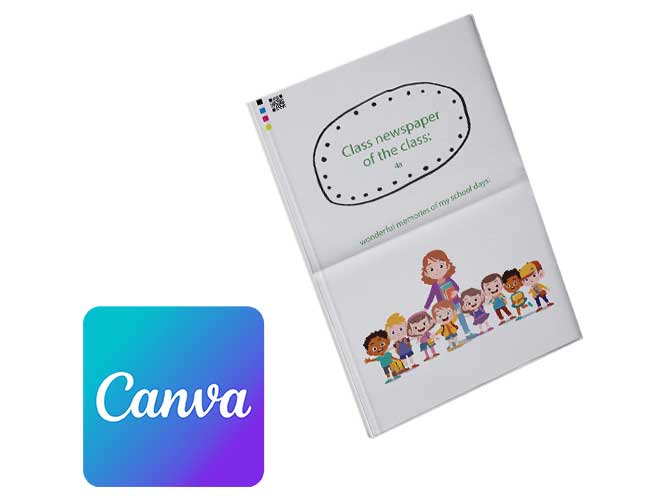
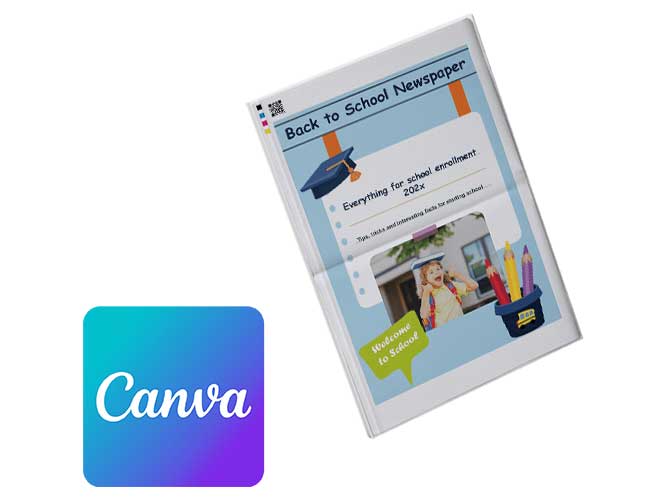
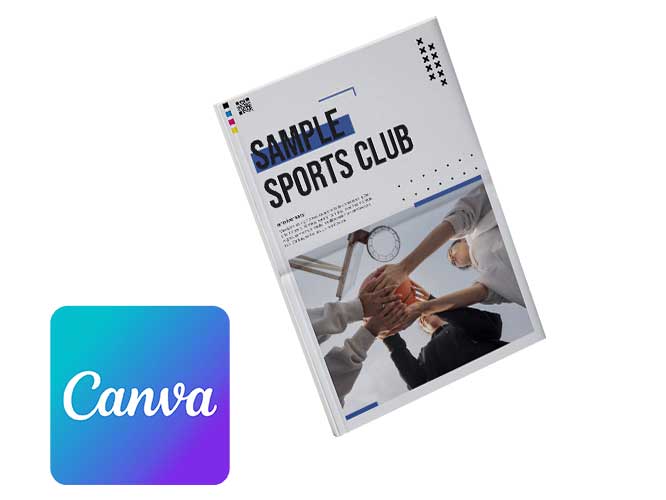
Your very own newspaper is closer than you think. With Canva, creating a custom newspaper is quick, easy and doesn’t require any design know-how. Wedding, birthday, school project or club news? Our wide selection of print-ready templates has you covered. Canva makes it simple to tweak every page in minutes – edit text, drop in photos and play around with layouts. A few clicks later, you’ve got yourself a proper newspaper that looks the part.
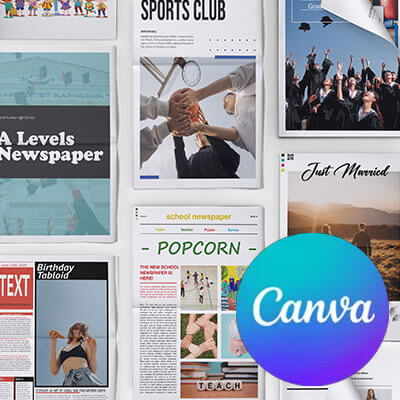
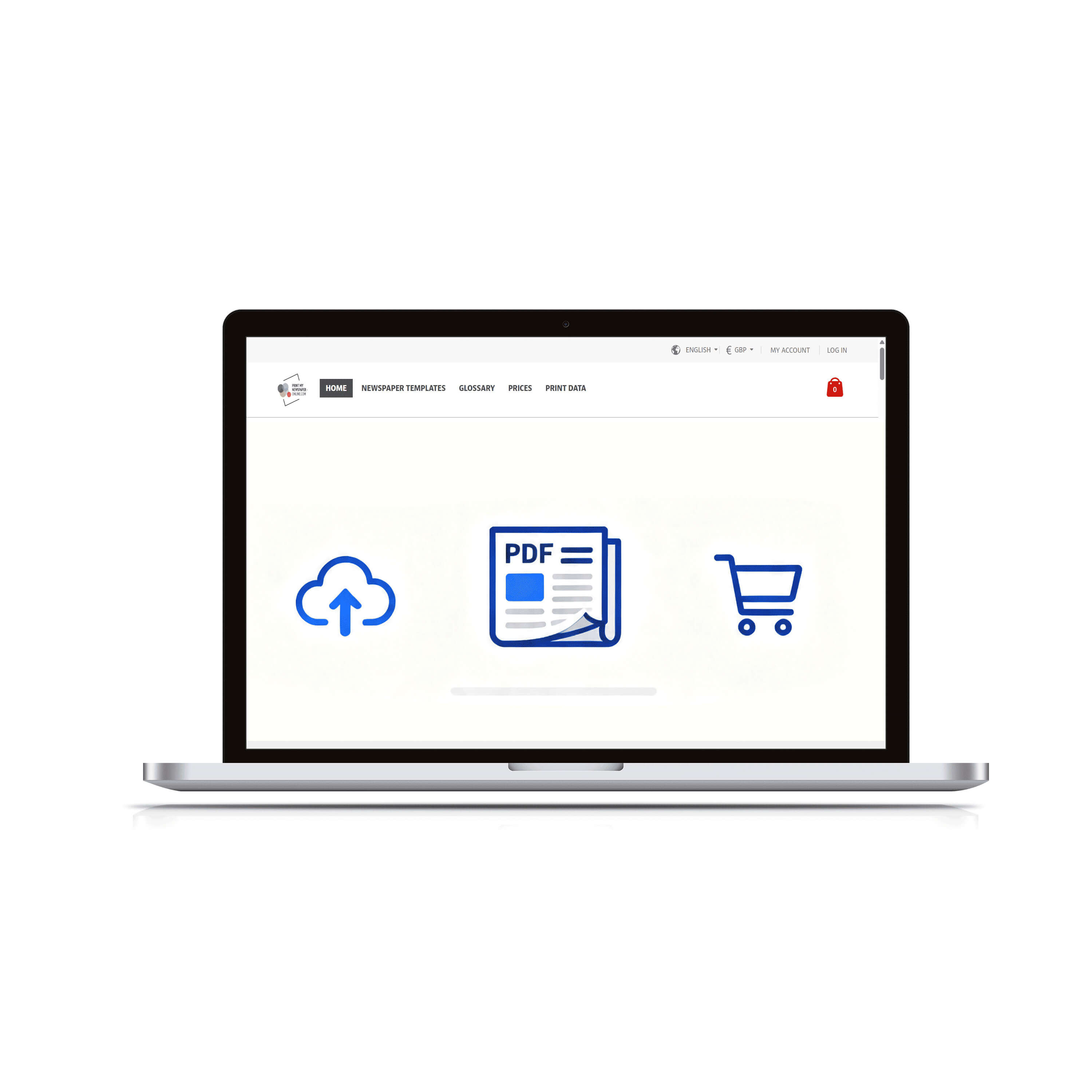
Design a newspaper with Canva - Versatile templates
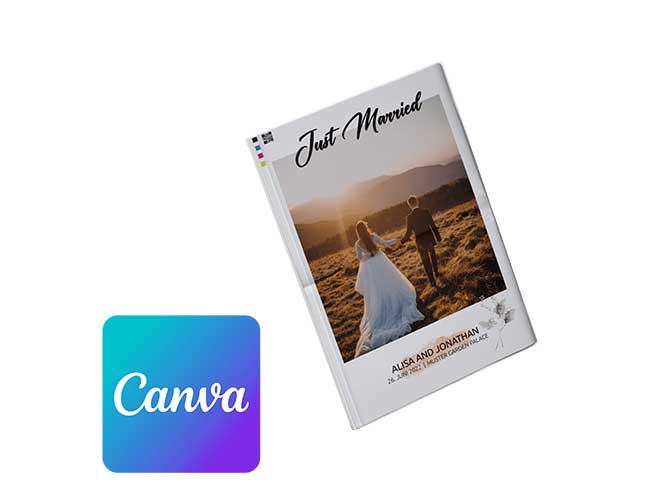
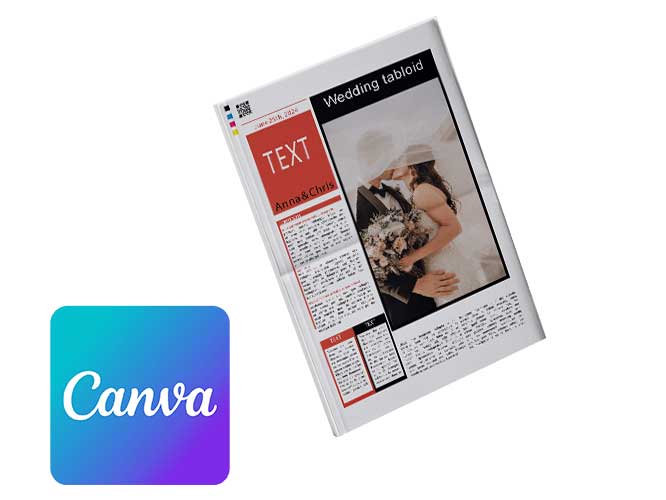
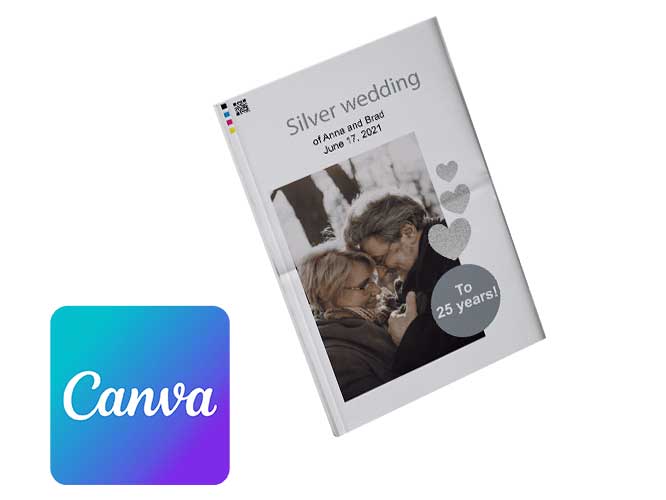
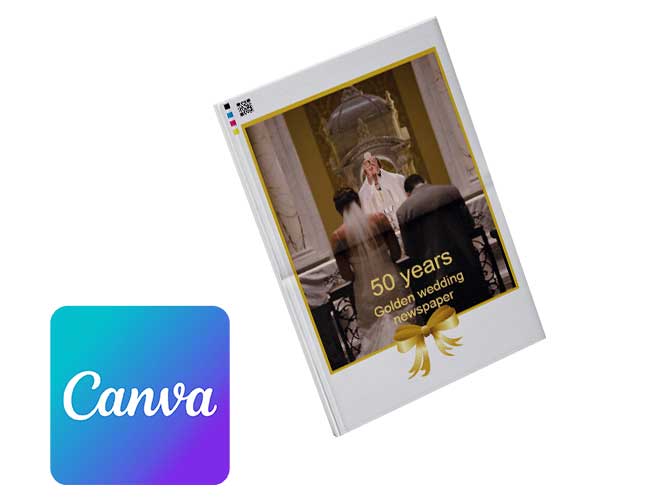
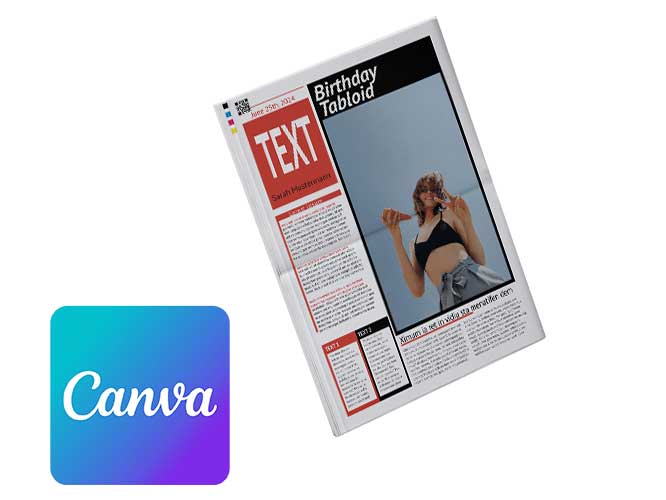
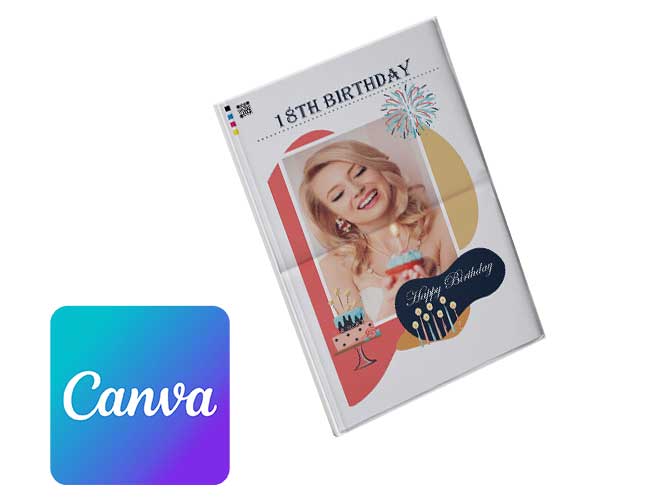
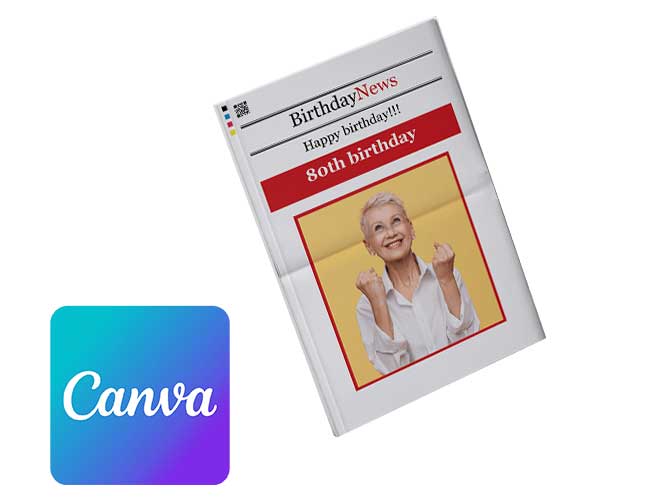
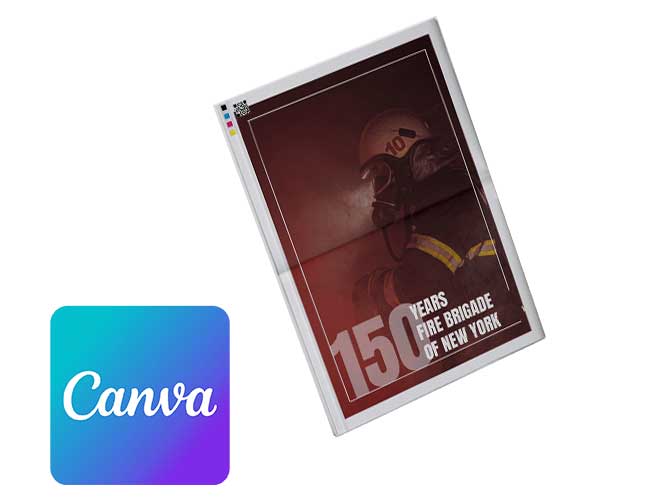
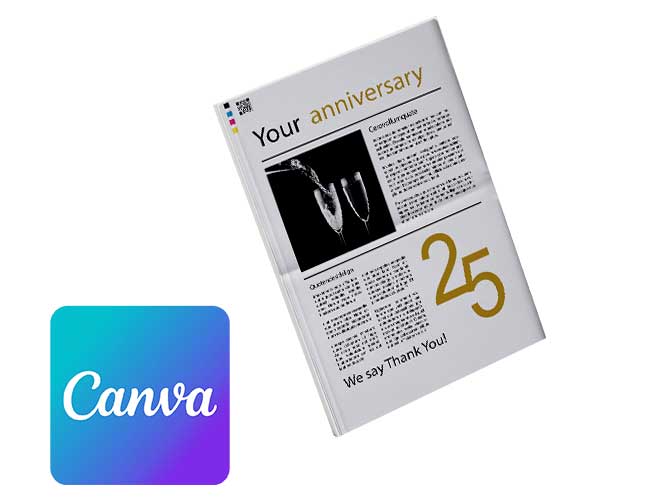
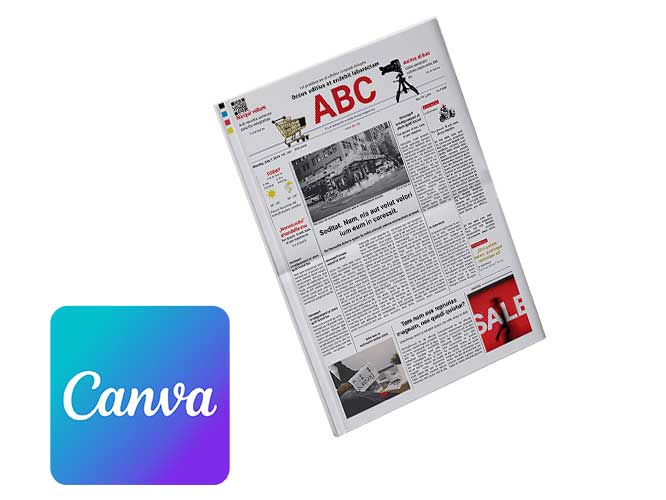
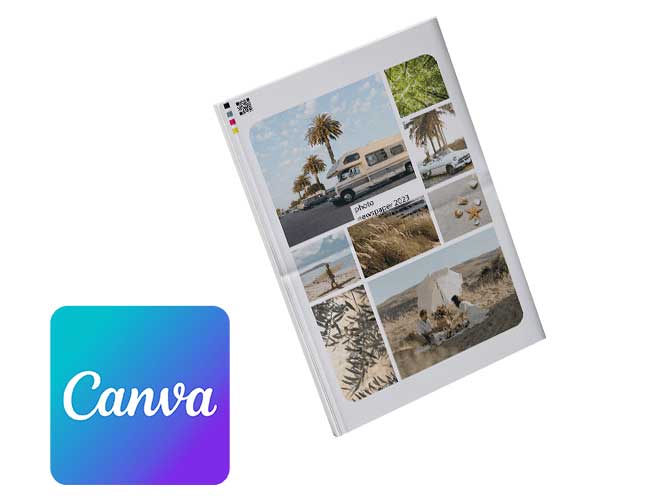
Export a Newspaper as a Print-Ready PDF in Canva – Guide
➀ Browse Newspaper Templates for Canva
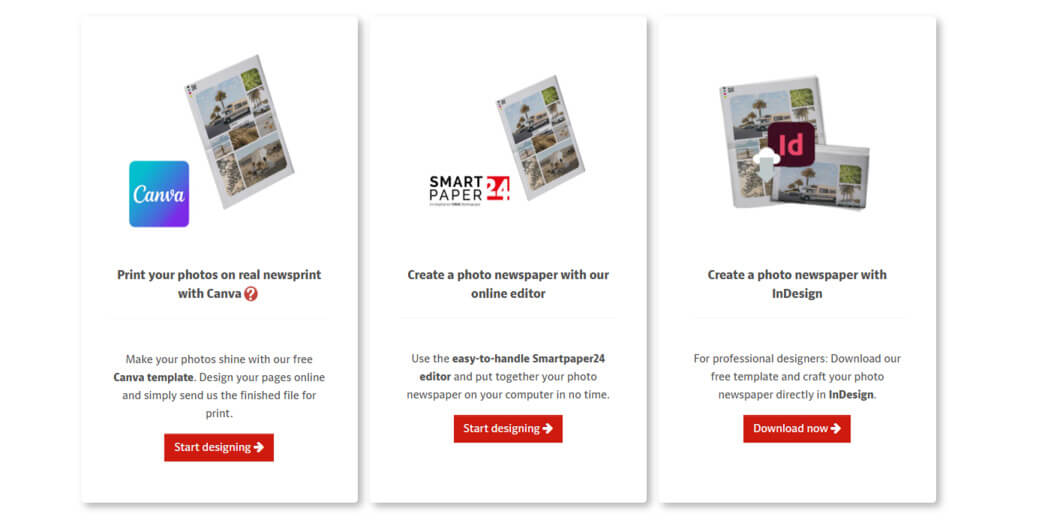
Take a look through our ready-to-print newspaper templates. They’re fully editable and designed to work seamlessly with Canva.
➁ Use the Design & Open It in Canva
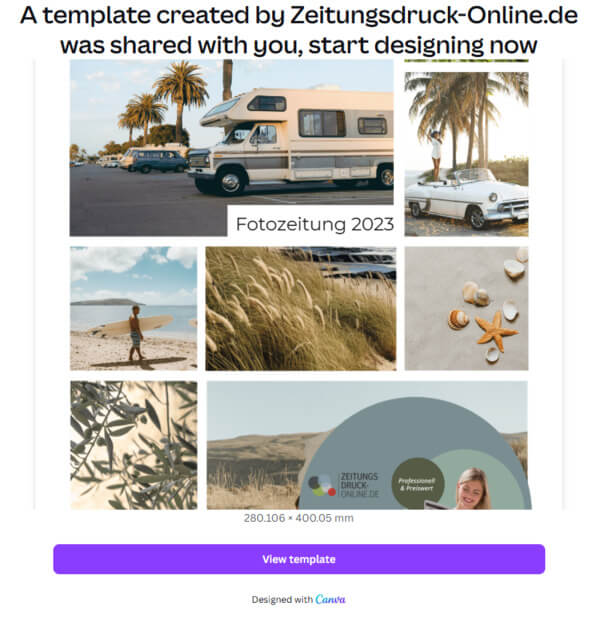
Found a design you like? Perfect. Jump straight into Canva and start creating. If you’re new to Canva, just set up a free account and you’re good to go.
➂ Design Your Newspaper in Canva
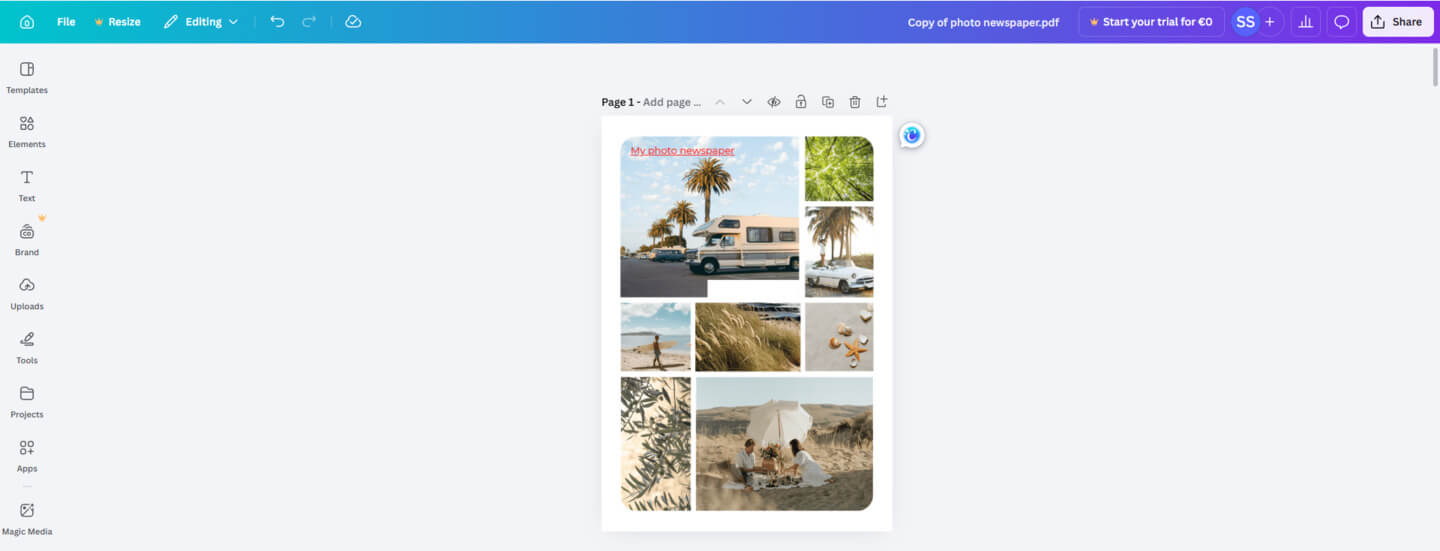
Canva gives you all the tools you need to turn your stories and photos into something special. Enjoy the creative freedom and build a layout that feels 100% you.
➃ Get Your Canva File Ready for Print
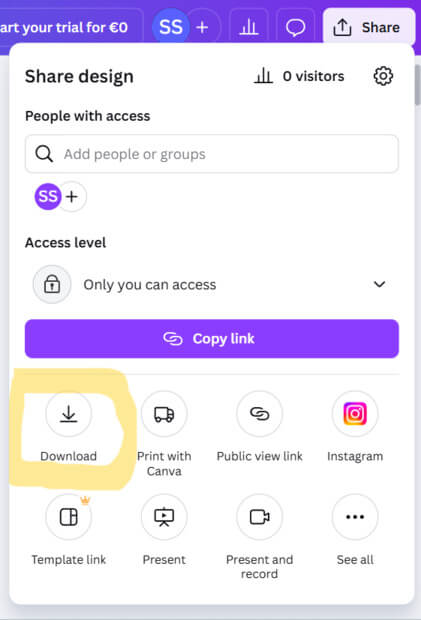
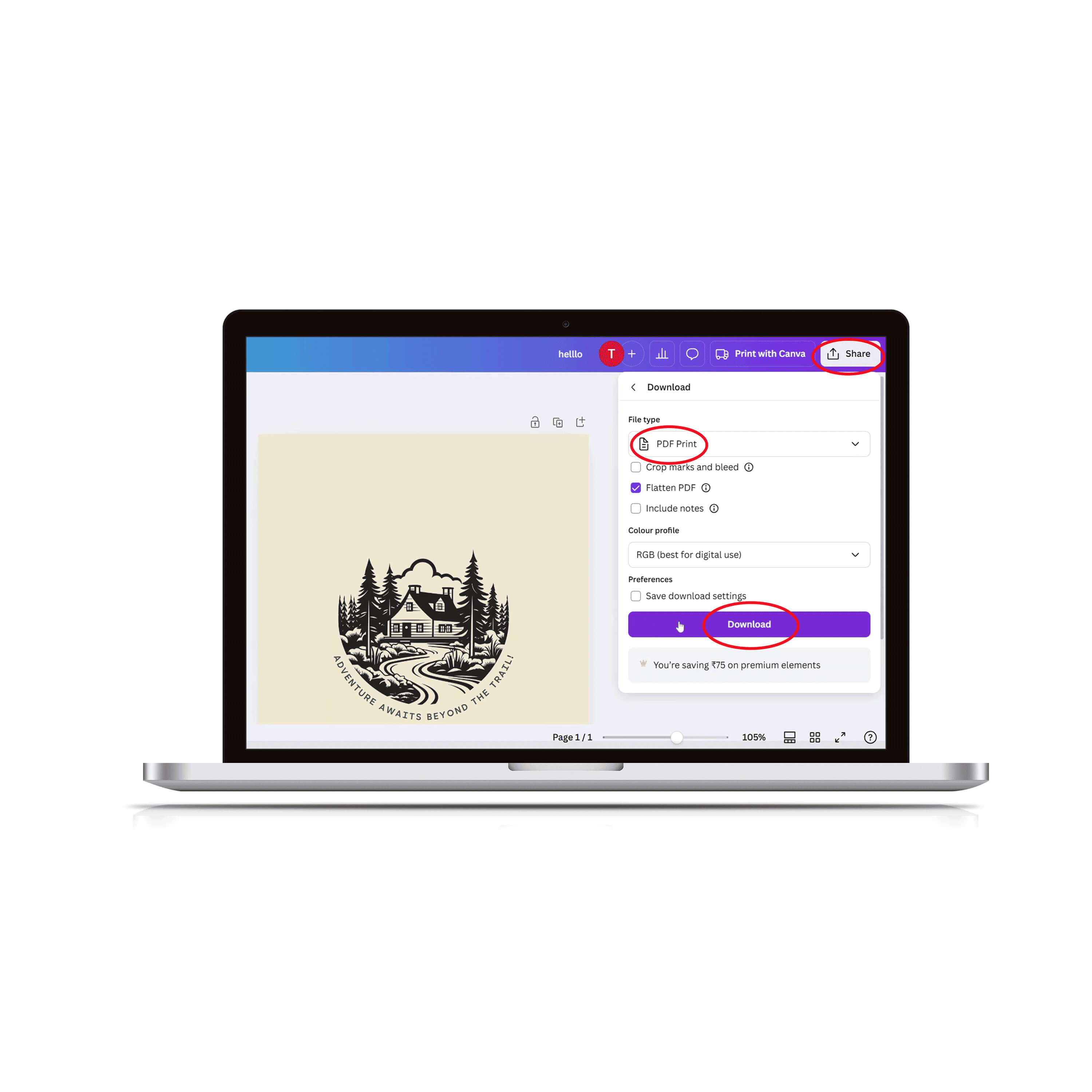
Once you’re happy with the design, it’s time to prep it for print. Because let’s be honest – it only really comes to life on real newspaper paper. Click Share (top right), then choose Download.
➄ Choose PDF Print for Best Results
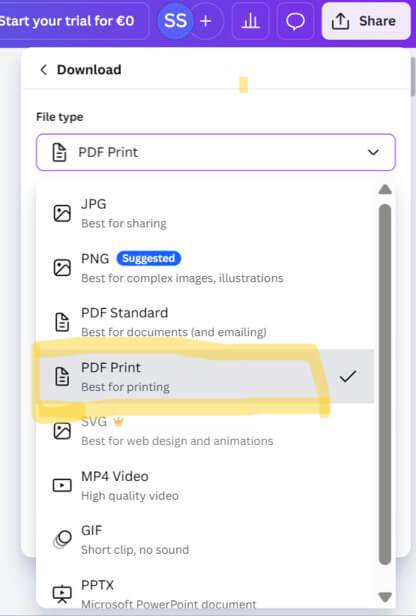
From the file options, select PDF Print – this gives you the best quality for professional printing.
➅ Select RGB for Professional Printing
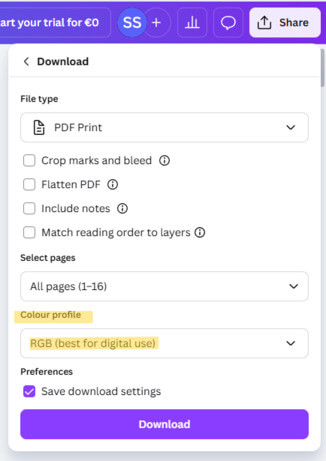
In the download settings, choose RGB under colour profile. Hit Download to save your print-ready PDF.
➇ Configure & Order Your Newspaper Online
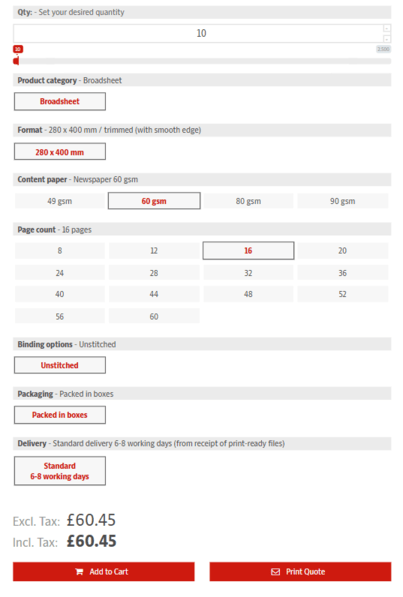
Now head to our easy-to-use online calculator to set up your newspaper. Choose quantity, number of pages and paper type, then add everything to your basket. Prices update instantly, so there are no surprises. Place your order and upload your PDF after checkout – simple as that.
➉ Upload Your PDF, Run the Print Check & Order Your Newspaper
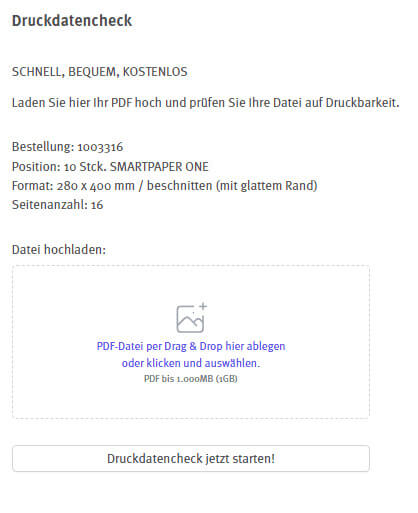
Just a few minutes after placing your order, you’ll receive your order confirmation by email. Inside, you’ll find a handy upload link where you can submit your print-ready PDF. Our fully automated print file check kicks in straight away to make sure everything’s good to go. Yellow alerts are simply helpful tips, not errors. If you’ve adjusted your page size in Canva, your layouts will be scaled to our standard 280 x 400 mm newspaper format and centred within the maximum print area. Once everything checks out, we’ll release your file for production. Around 5–7 working days later, your very own newspapers will land in your hands – fresh off the press.
Why Canva Changes the Game for Newspaper Design: Features & Benefits
Canva packs everything you need to turn your newspaper idea into something truly special – without the learning curve. Designing becomes quick, intuitive and genuinely fun. Here’s what makes Canva such a powerful choice:
🚀 Easy to use: Canva’s interface is refreshingly intuitive. Even if you’ve never designed anything before, you’ll be creating a polished, professional-looking newspaper in no time.
📋 Ready-made templates: Choose from a wide range of pre-designed templates for weddings, birthdays, schools or club events. They’re fully editable and save you loads of time and effort.
📷 High-quality image library: Tap into Canva’s huge library of premium photos, illustrations and icons – or upload your own images and blend them seamlessly into your layout.
🖊 Flexible fonts & styles: From bold headlines to clean body text, Canva offers plenty of fonts and text styles to give your newspaper a distinctive, readable look.
🔗 Drag & drop freedom: Move text, images and elements exactly where you want them with Canva’s smooth drag-and-drop editor. Creative freedom, zero frustration.
🎬 Helpful tutorials & support: Stuck for a moment? Canva’s video tutorials and help centre have your back whenever you need guidance.
🔧 Save, export & print-ready: Save your project anytime and come back to it whenever inspiration strikes. For top-quality newspaper printing, PDF files with a CMYK colour profile work best.
📖 Team collaboration: Designing together? Canva makes collaboration easy, allowing multiple people to work on the same newspaper at the same time and share ideas effortlessly.
All in all, Canva is the perfect playground for turning stories, photos and memories into a newspaper that truly stands out. Give it a go, have fun with it – and watch your ideas come to life page by page.