
Bleed
Bleed in Printing
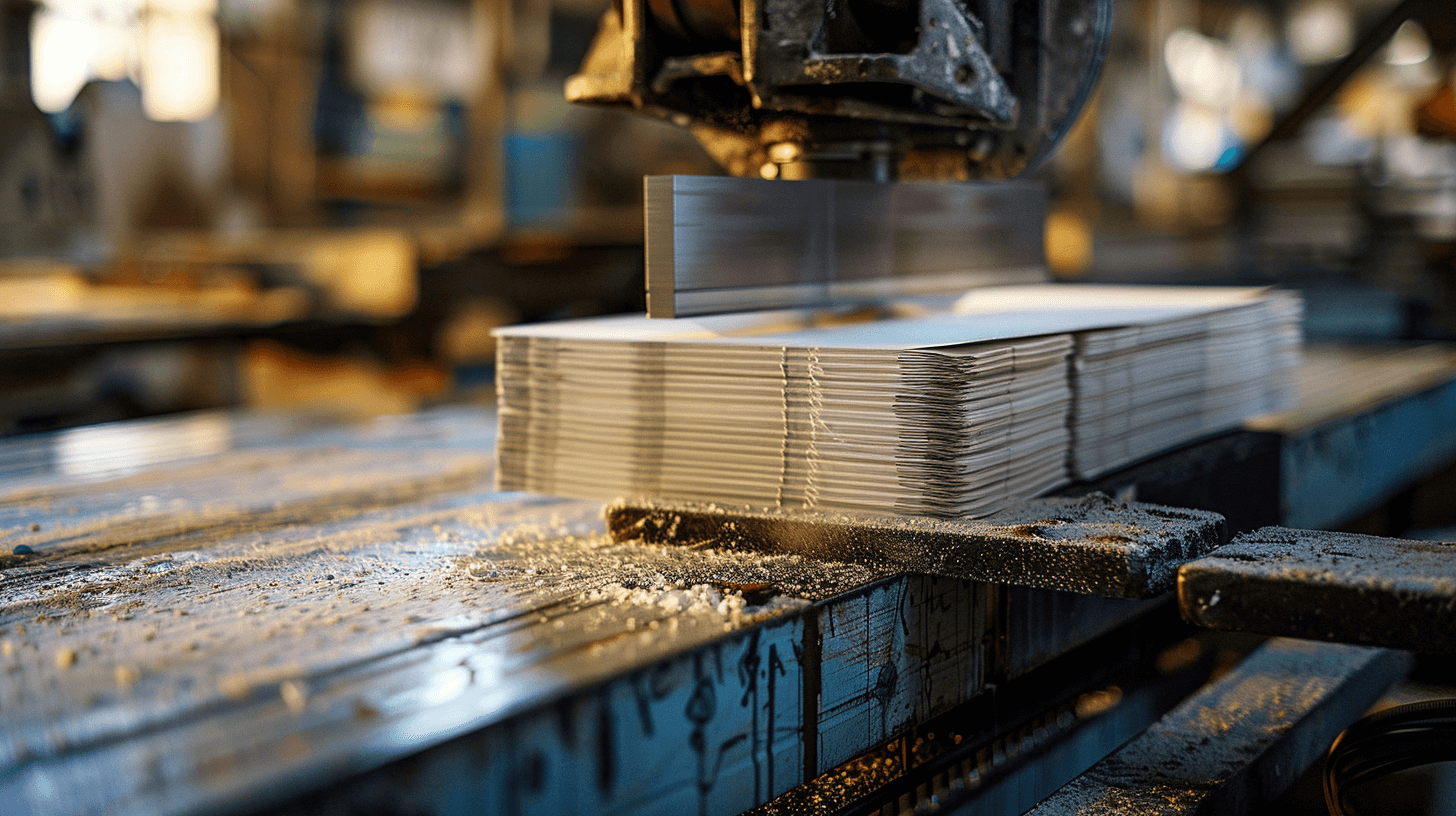
Bleed refers to the extra area added around the actual page size of a print layout. It helps to prevent unwanted white edges that can appear when trimming the printed sheets. The standard bleed is 3 millimetres. This allows you to extend colours and images right to the edge of the page and print without margins.
Newspapers in Small Print Runs – Type Area Instead of Bleed
If you want to print your newspapers starting from just 1 copy, you don’t need to set any extra bleed in your PDF print file. Instead of a bleed, our newspapers in small print runs are produced with a fixed layout area. The type area is the maximum printable area on a newspaper page. As a result, each page includes a white/unprinted border that cannot be printed on.
Print newspaper in small runDiscover newspaper templates
Magazines in Small Print Runs – Bleed is Key!
For magazine printing, a well-set 3-millimetre bleed helps ensure a professional and visually appealing print product. To make your content align neatly with the page edges, your images and colours need to extend beyond the final trim size. This process is also known as overfilling. The excess area is then trimmed during production so that no unsightly white flashes appear.
Print magazine in small run